How to blur or redact part of a photo
- Add your image.
- Drag a box over the face, license plate or text you want to hide.
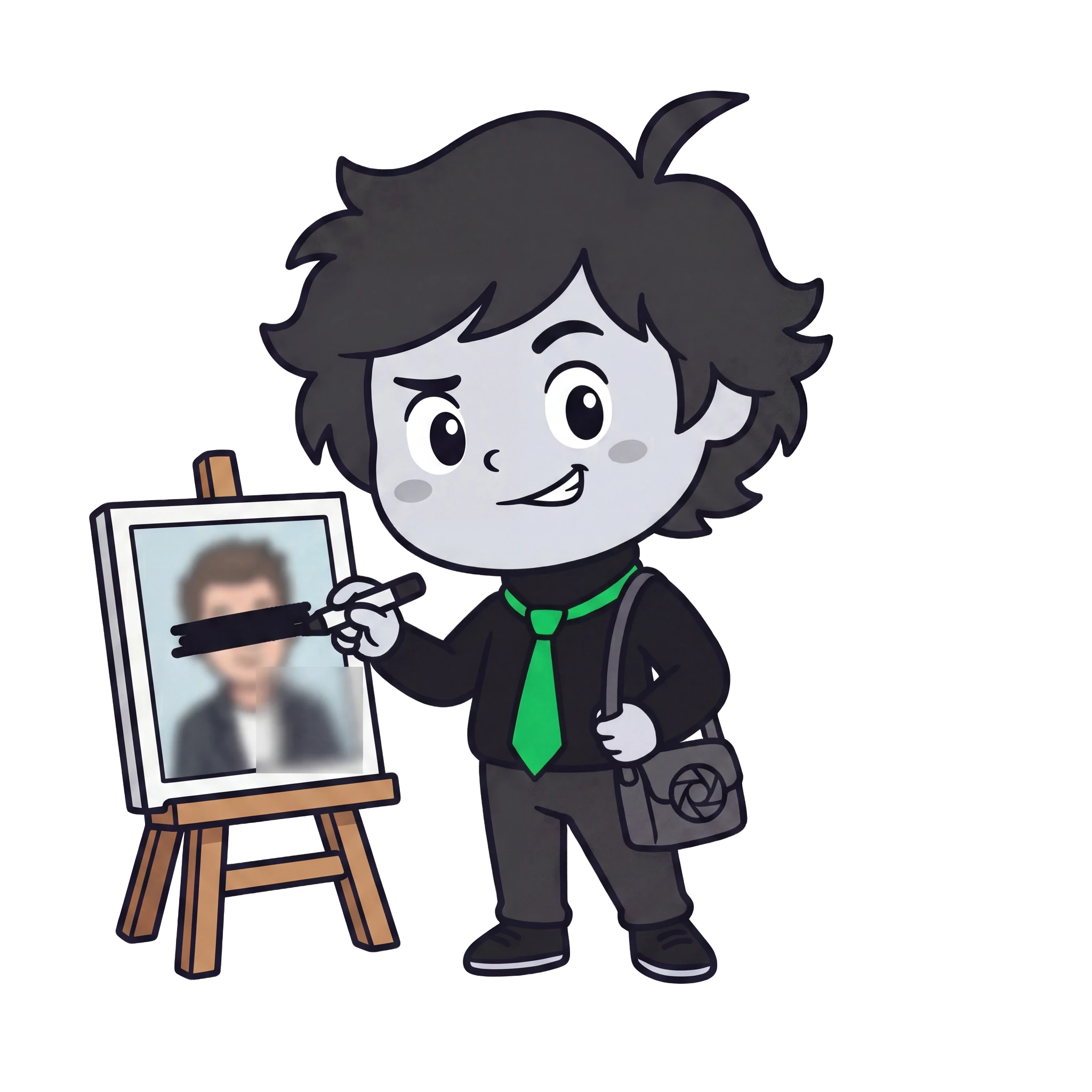
- Choose blur, pixelate or a solid black bar, then download.
Why blur or redact a photo?
Before sharing a screenshot or photo, you often need to hide a face, an address, a license plate or private text. Redacting keeps the rest of the image while permanently covering the sensitive parts.
Private by design
Smith Studio runs entirely in your browser. Your photos never leave your device, never touch a server, and we set no cookies. It's completely free — no sign-up, no watermark, no ads.
Frequently asked questions
Can the blur be undone by someone else?
No — the blurred or blacked-out area is baked into the saved image. The original detail is gone.
What can I hide?
Faces, license plates, addresses, names, account numbers — anything you draw a box over.
Blur, pixelate or black bar — which is safest?
A solid black bar is the most secure. Heavy pixelate or blur also works for most cases.
Are my photos uploaded?
No — redacting happens entirely in your browser.
Is it free?
Yes — free, no sign-up, no watermark.